Your projects, with you
Conversations, files and presets saved on your computer. Organize your work and create backups from the app.
Turn an idea into images, videos and voices. One place to create with AI, with your projects on your computer and your own Google API key.
For macOS and Windows · Desktop edition
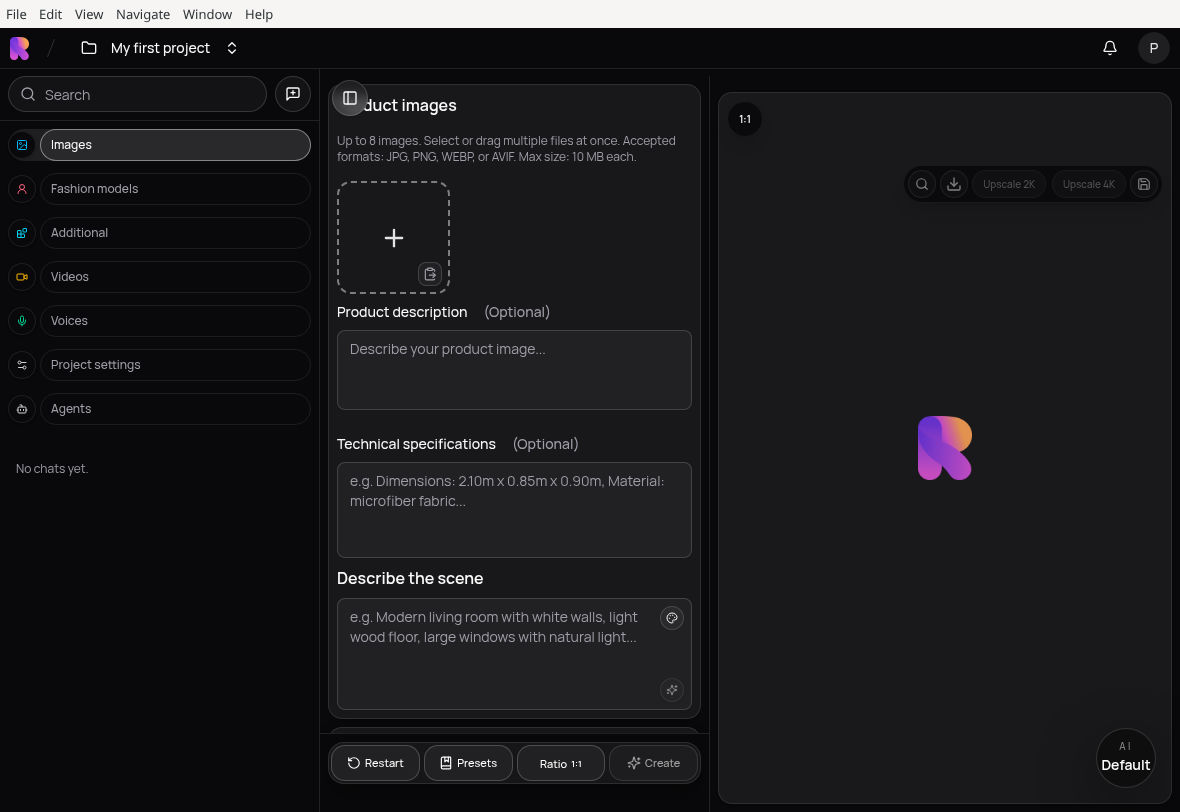
Conversations, files and presets saved on your computer. Organize your work and create backups from the app.
Connect your own Google API key. Generation uses the internet and may incur charges on your Google account, depending on the model.
A personal workspace, with no Rankked account or Rankked subscription required to use the desktop edition.
Work by project. Keep your references and find every piece in one place.
From prompt to composition. Create images with references and explore variations in Image Studio.
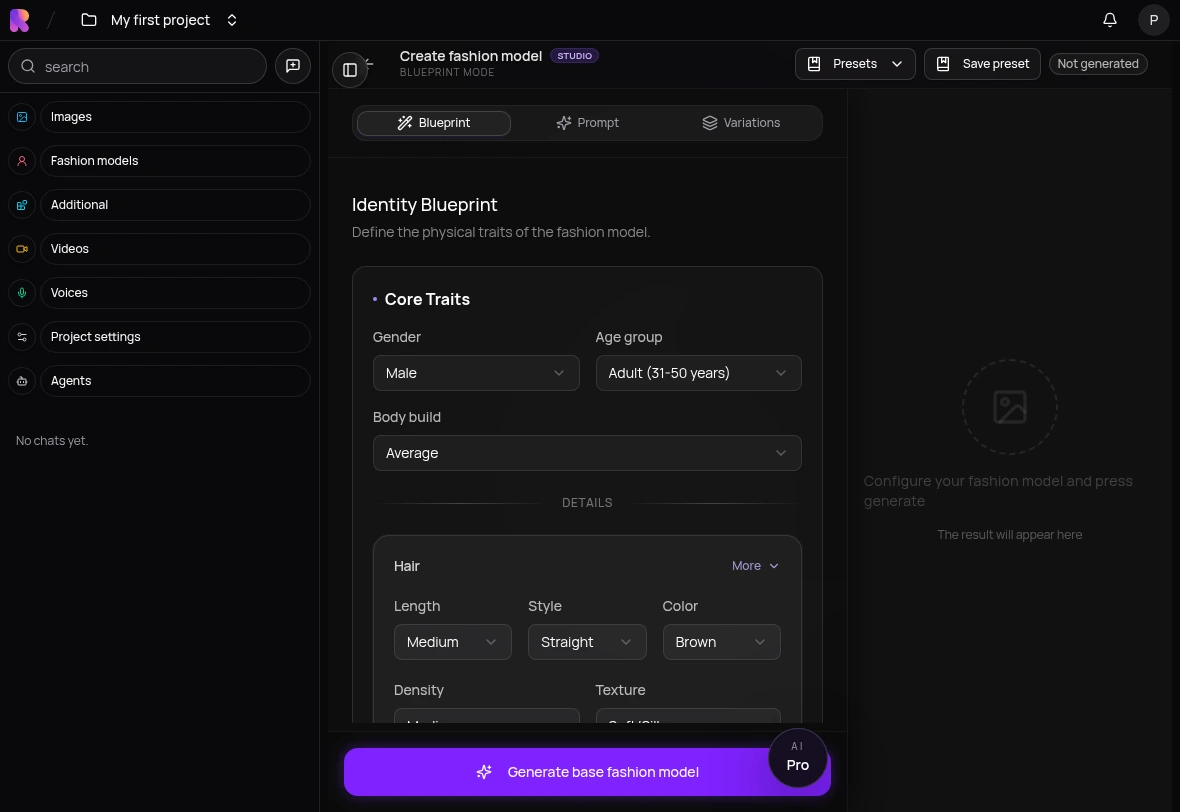
Create models and work with garments and visual references to prepare fashion content.
Remove backgrounds, remix images and upscale them with dedicated tools.
Create clips from text and images. Choose a model and organize the results in your gallery.
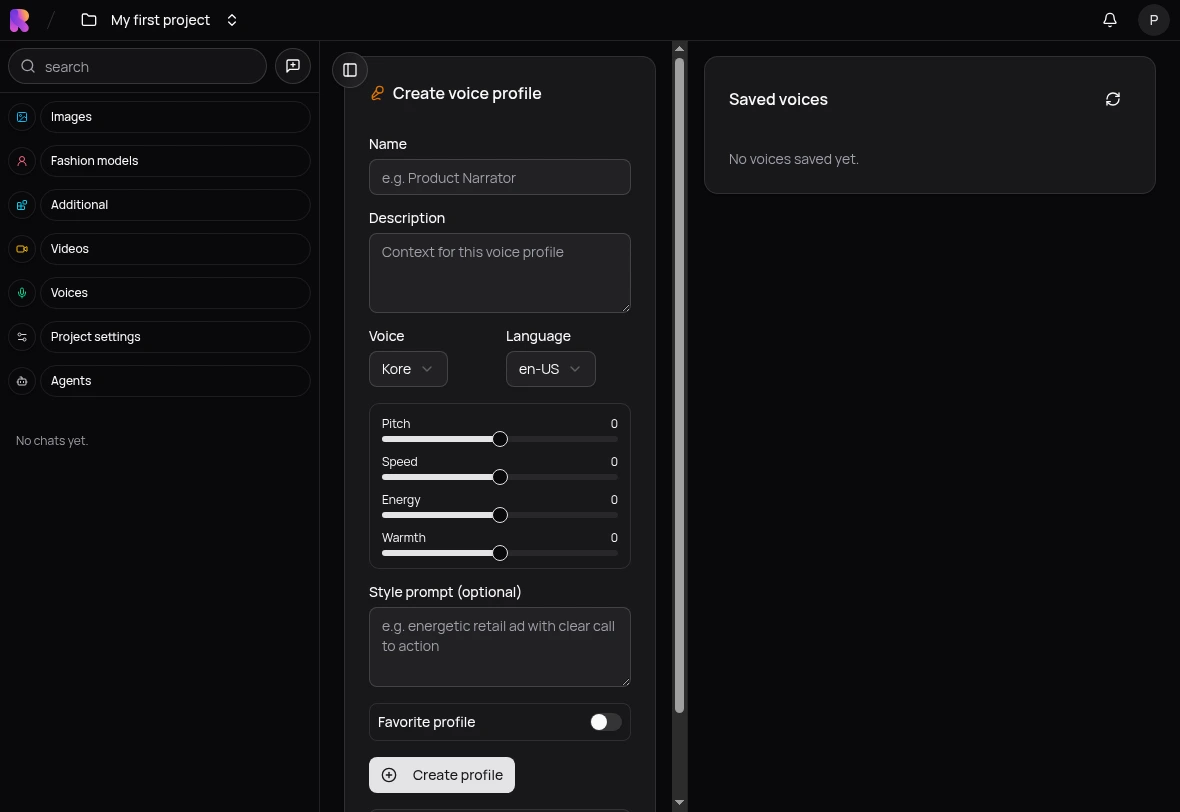
Turn text into speech and save voiceovers alongside the rest of your project files.
Set up text assistants with instructions, knowledge and workflows in Agent Studio.
Install Rankked, connect Google and make room for your ideas.
Choose your versionChoose Windows, Apple Silicon Mac or Intel Mac.
Add it in the app settings. Available models depend on your account, region and quota.
Gather your references, try an idea and save the result in your local library.
Rankked for your computer.
Version 0.1.1. Choose the installer for your computer.
Apple Silicon · M1 and later
macOS 13 or later · .dmg
Download for Apple SiliconVersion 0.1.1 · Not digitally signed · Not notarized
41000ae197e1061f77e1a487e5880756f6c4680d96ab228bd8298347966b9254Intel processor
macOS 13 or later · .dmg
Download for IntelVersion 0.1.1 · Not digitally signed · Not notarized
e696425fcd9c7f208c302eb1d36ebaf881a97a758442cf49d4c4a03713c7e25864-bit processor · x64
Windows x64 · .exe
Download for WindowsVersion 0.1.1 · Not digitally signed
5548acb888ed983ad0cd5b0836de98c56ca866e2e75a565f2f34c1f74cad634bAbout these installers: current builds are not digitally signed. The macOS builds are not yet notarized. Your operating system may show security warnings. Validation on Windows and Mac computers is still pending.
Rankked is distributed under AGPL-3.0. Download source code · Licenses, dependency sources and release notes.
AI generation requires an internet connection and a compatible Google API key. Google may charge for usage; availability varies by model and account.
Your projects and files are saved locally. Google models require an internet connection: when you generate, your prompts and selected references are sent to Google. Some tools also need to download models.
No. The desktop edition uses a local profile. To generate with Google, you need your own API key, access to the model and, where required, billing enabled on Google.
On your computer, in the app data folder, using a SQLite database and local files. In settings, you can view the location and create or restore a backup. Your data does not automatically sync across computers.
Not automatically. The desktop edition does not download or delete content from the web version. Migrating older data requires a separate export and import process.
This edition does not require a Rankked subscription. Models are used through your Google account and are subject to its pricing, limits and availability. View Google pricing .